

 By
By 
An RJ45 connector is a type of electrical connector that is commonly used to connect computers and other devices to a network. It is a standardized connector that has eight pins and is designed to transmit data using Ethernet protocols. The connector is typically used in conjunction with an RJ45 cable, which is a type of twisted-pair cable that is used to transmit data over a network. The connector is commonly used in networking applications, such as connecting computers to a router or switch, and is also used to connect other types of equipment, such as modems and hubs, to a network.
The RJ45 connector is a very common type of connector and can be found on a wide variety of devices, including computers, routers, switches, hubs, and more. It is a relatively simple connector to use and can be easily installed by most people. Simply plug one end of the cctv cable into the device and the other end into the connector. The connector is also very reliable and can transmit data at high speeds, making it ideal for use in high-bandwidth applications such as streaming video or online gaming.
One of the benefits of the RJ45 connector is that it is a standard interface, which means that it can be used with a wide variety of devices, regardless of the manufacturer. It is also a very versatile connector and can be used with a variety of different cables, including twisted-pair, coaxial, and fiber-optic cables. Additionally, the connector is relatively inexpensive and can be easily replaced if it becomes damaged.
Overall, the RJ45 connector is a widely used, versatile, and reliable connector that is ideal for connecting devices to a network. It is a simple, cost-effective solution for connecting computers, routers, switches, and other devices to a network, and is a standard interface that can be used with a wide variety of devices.
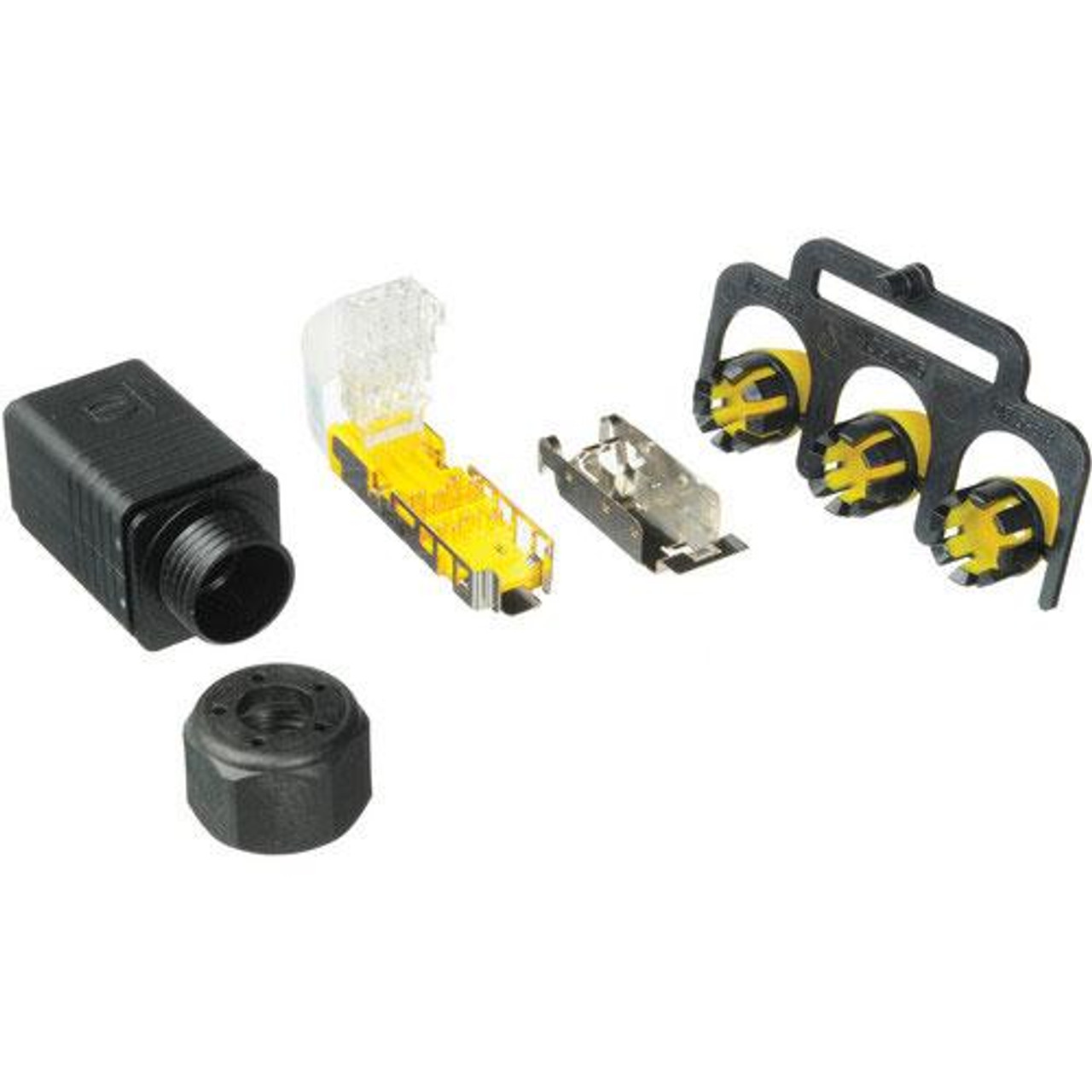
What is an RJ45 connector used for?
An RJ45 connector is primarily used for connecting devices to a network using Ethernet protocols. Ethernet is a standard for connecting computers, routers, switches, and other devices to a network, and the RJ45 connector is one of the most commonly used connectors for this purpose.
The connector is typically used in conjunction with an RJ45 cable, which is a type of twisted-pair cable that is used to transmit data over a network. The connector can be used to connect computers, routers, switches, hubs, modems, and other networking devices to a network. It can also be used to connect other types of equipment, such as security cameras, printers, and other devices, to a network.
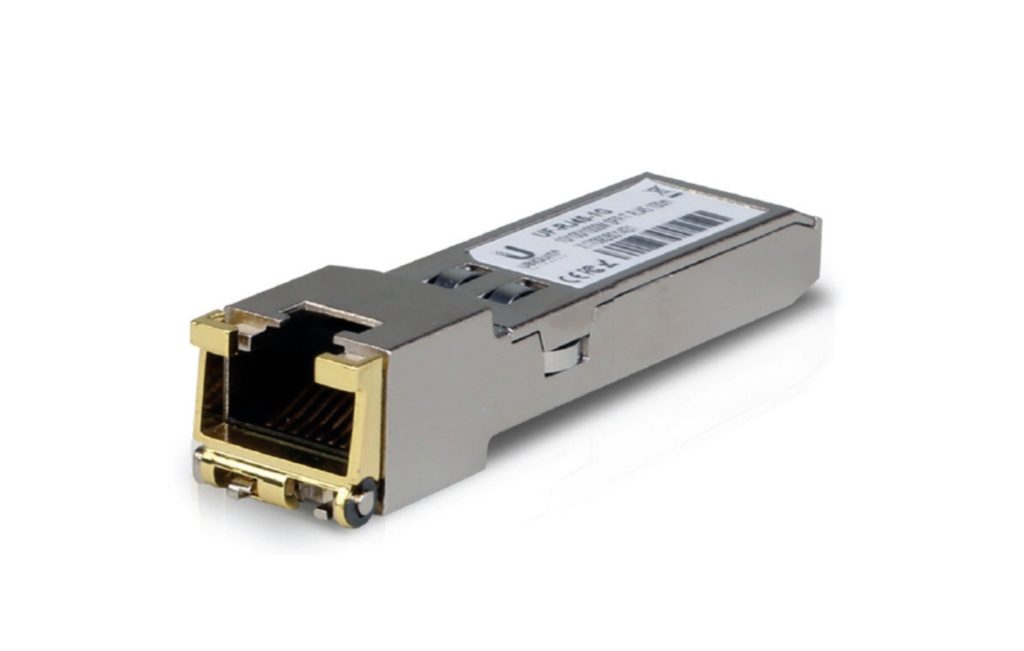
RJ45 connectors are also used in other applications such as serial communication, industrial control systems, and other devices that require a wired connection.
Overall, the RJ45 connector is a widely used and versatile connector that is ideal for connecting devices to a network and other applications that require a wired connection.
What current is an RJ45 connector rated for?
An RJ45 connector is typically rated for low-voltage, low-current applications. The maximum current rating for an RJ45 connector is typically around 1.5 amperes. This is the maximum amount of current that the connector can safely handle without overheating or becoming damaged.
It’s important to note that the current rating for an RJ45 connector is dependent on the cable and the connector used. It’s recommended to use the standard Ethernet cable, as well as the appropriate connector, to ensure compliance with safety standards and to avoid any damage or risk of fire.
It’s also important to note that the RJ45 connectors are not designed for high-power applications such as power-over-ethernet (PoE) and should not be used in those cases.
What is the difference between an RJ11 and RJ45 connector?
The main difference between an RJ11 and an RJ45 connector is the number of pins they have and their intended use.
An RJ11 connector is a 6-pin connector that is commonly used for telephone lines. It is used to connect telephones, fax machines, and other similar devices to a telephone line. The RJ11 connector is designed to transmit voice and data over a single pair of wires, and can support data transfer speeds of up to 2Mbps.
On the other hand, an RJ45 connector is an 8-pin connector that is commonly used for Ethernet networking. It is used to connect computers, routers, switches, and other networking devices to a network. The RJ45 connector is designed to transmit data over a four pairs of wires, and can support data transfer speeds of up to 10Gbps.
Another difference between them is the physical size and shape of the connectors. RJ45 connectors are generally larger and wider than RJ11 connectors.
In summary, the main difference between an RJ11 and an RJ45 connector is the number of pins they have, their intended use and data transfer speeds they support. RJ11 connectors are primarily used for telephone lines, while RJ45 connectors are primarily used for Ethernet networking.
How to wire a RJ45 connector?
Wiring an RJ45 connector is a relatively simple process that involves attaching an RJ45 cable to the connector and then connecting the wires inside the cable to the appropriate pins on the connector. The process can vary slightly depending on the type of cable and connector you are using, but the basic steps are as follows:
Start by stripping off the outer jacket of the cable to reveal the individual wires inside. You will typically need to strip off about 1-2 inches of the jacket.
Arrange the wires in the cable into the order they will be connected to the connector. The standard order for Ethernet cables is as follows: Orange/White, Orange, Green/White, Blue, Blue/White, Green, Brown/White, Brown
Take the connector and align the wires with the corresponding colors on the connector.
Press the connector onto the wires, making sure that each wire is properly seated in the corresponding pin.
Once all the wires are in place, use a crimping tool to crimp the connector onto the wires. This will secure the wires in place and ensure a good connection.
After crimping the connector, you can test the cable to ensure that it is working properly.
It’s important to note that some connectors may have a different wiring scheme, thus, it’s important to verify the wiring scheme before starting the process. Additionally, it’s recommended to use high-quality connectors and cables to ensure the best performance and longevity.
Overall, wiring an RJ45 connector is a simple process that can be easily done with the right tools and a little bit of patience.
