By
By 
While the primary purpose of both home and business security cameras is to provide surveillance and deter potential threats, there are significant differences in terms of features, functions, and considerations that need to be taken into account. Understanding these distinctions can help you make an informed decision when it comes to selecting the appropriate security camera system for your specific needs.
In this article, we will delve into the dissimilarities between home and business security camera systems. We will explore various aspects such as features and functions, installation and setup, monitoring and control, integration capabilities, video storage, cost considerations, and more. By gaining a comprehensive understanding of these disparities, you will be equipped to choose the right security camera solution that aligns with your unique requirements.
Features and Functions of Commercial Security Cameras
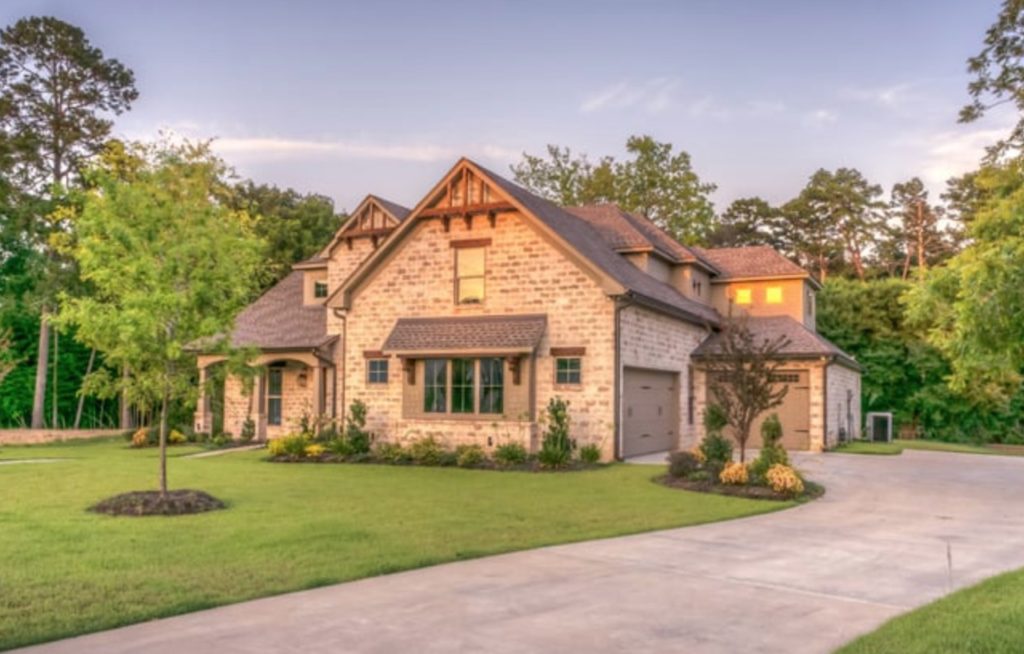
When it comes to safeguarding your home and loved ones, a reliable security camera system plays a crucial role in enhancing your overall safety. Residential security cameras have come a long way, offering a wide range of features and functions designed to provide comprehensive surveillance and peace of mind. In this section, we will explore the key features and functions that make home security cameras an invaluable asset in protecting your residence.
1. Video Monitoring and Recording:
- High-resolution video capture: Residential security cameras offer varying resolution options, including HD and Ultra HD, ensuring clear and detailed footage.
- Continuous recording: Many cameras provide round-the-clock recording, allowing you to monitor your property at all times.
- Motion detection: Advanced cameras are equipped with motion sensors, triggering recording only when activity is detected, conserving storage space.
2. Live Streaming and Remote Access
- Real-time monitoring: Residential security cameras enable live streaming, allowing you to check in on your property from anywhere at any time using a smartphone, tablet, or computer.
- Mobile app integration: Dedicated mobile apps provide convenient access to camera feeds, notifications, and settings, keeping you connected to your home’s security on the go.
3. Two-Way Audio Communication
- Built-in microphones and speakers: Many residential security cameras feature two-way audio, enabling communication with people near the camera.
- Intercom functionality: This allows you to speak to visitors, delivery personnel, or even soothe a pet from a remote location.
4. Night Vision Capabilities
- Infrared (IR) illumination: Residential security cameras often incorporate IR LEDs to capture clear video footage in low-light or completely dark environments.
- Enhanced night vision range: Look for cameras with extended night vision range to ensure maximum coverage, even in pitch-black conditions.
5. Mobile Alerts and Notifications
- Motion detection alerts: Residential security cameras can send instant notifications to your mobile device when motion is detected, allowing you to respond promptly to any potential security concerns.
- Customizable alerts: Some cameras provide the flexibility to customize alert settings based on specific areas of interest or timeframes, reducing false alarms.
6. Weather Resistance and Durability
- Outdoor suitability: For outdoor security, choose cameras specifically designed to withstand various weather conditions, including rain, snow, and extreme temperatures.
- Impact resistance: Sturdy construction ensures cameras can withstand accidental impacts and vandalism attempts, ensuring their longevity.
Features and Functions of Business Security Cameras

In the realm of business security, having a reliable and comprehensive surveillance system is vital for protecting assets, ensuring employee safety, and deterring potential threats. Business security cameras are specifically designed to meet the unique requirements and challenges faced by commercial establishments. In this section, we will explore the key features and functions that make business security cameras an essential component of any robust security strategy.
1. Multiple Camera Coverage
- Scalable camera systems: Business security cameras often offer the ability to deploy multiple cameras, covering large areas or multiple locations within a business premises.
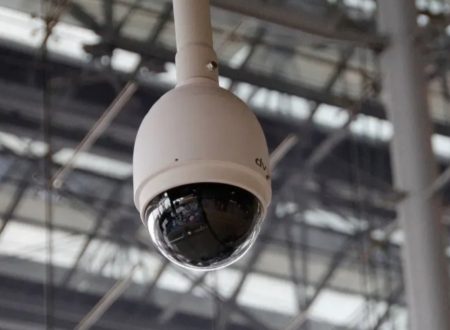
- Wide-angle and PTZ capabilities: Cameras with wide-angle lenses or Pan-Tilt-Zoom (PTZ) functionality provide extensive coverage and the ability to zoom in on specific areas of interest.
2. High-Quality Video Capture
- High-resolution imagery: Business security cameras are capable of capturing crisp and clear video footage, often in Ultra HD or higher resolutions.
- Wide dynamic range (WDR): Cameras with WDR technology can handle varying light conditions, ensuring balanced exposure and detailed imagery in both bright and dark areas.
3. Advanced Video Analytics
- Object detection and tracking: Business security cameras can employ advanced algorithms to detect and track objects of interest, such as people, vehicles, or specific items.
- Facial recognition: Some cameras offer facial recognition capabilities, enabling identification and tracking of individuals based on preconfigured databases.
- Abnormal behavior detection: Intelligent cameras can analyze patterns and detect suspicious or unusual behavior, triggering alerts for further investigation.
4. Integration with Access Control Systems
- Seamless access management: Business security cameras can integrate with access control systems, allowing visual verification of individuals entering or exiting the premises.
- Door entry intercoms: Integration with intercom systems enables two-way communication and remote door access control, enhancing security at entry points.
5. Remote Monitoring and Management
- Centralized monitoring: Business security camera systems often provide a centralized platform or software for monitoring multiple cameras simultaneously, ideal for large-scale operations.
- Remote management: Authorized personnel can remotely access camera feeds, adjust settings, and receive real-time notifications, ensuring continuous oversight and rapid response.
6. Video Storage and Retention
- On-site or cloud-based storage options: Business security cameras offer flexible storage solutions, including on-site Network Video Recorders (NVRs) or cloud-based storage services, ensuring secure and reliable data retention.
- Extended storage capacity: To meet business requirements, cameras can support higher storage capacities or offer options for scalable storage expansion.
Choosing the Right Security Camera System for Your Needs
Selecting the appropriate security camera system is a critical decision that can significantly impact the safety and protection of your home or business. With a multitude of options available in the market, it’s essential to understand the key factors and considerations to ensure you choose a system that aligns with your specific requirements. In this section, we will explore the essential aspects to consider when selecting a security camera system, empowering you to make an informed choice that meets your unique needs.
1. Determine Your Surveillance Goals
- Identify your specific security objectives: Whether it’s monitoring the perimeter, deterring theft, or ensuring employee safety, clearly define your surveillance goals to guide your camera system selection.
- Assess the coverage area: Determine the size and layout of the area you need to monitor, considering both indoor and outdoor spaces, to determine the number and placement of cameras required.
2. Camera Types and Features
- Dome cameras, bullet cameras, or PTZ cameras: Consider the advantages and disadvantages of different camera types, such as dome cameras for discreet installation, bullet cameras for outdoor monitoring, or PTZ cameras for flexible coverage.
- Resolution and image quality: Determine the level of detail required and choose cameras with suitable resolution options, such as HD or Ultra HD, to ensure clear and sharp video footage.
- Special features: Evaluate additional features like night vision capabilities, audio recording, advanced analytics, or integration capabilities based on your specific needs.
3. Consider System Scalability
- Future expansion: Anticipate potential future growth or changes in your surveillance needs and select a system that can easily accommodate additional cameras or upgraded components.
- Compatibility and integration: Ensure that the chosen camera system is compatible with other security devices or systems you may have, such as alarms, access control, or video management software, allowing for seamless integration.
4. Storage and Data Management
- Determine storage requirements: Assess the duration of video retention needed for your purposes, considering legal obligations, industry regulations, or personal preferences.
- On-site or cloud-based storage: Evaluate the pros and cons of storing video footage locally on Network Video Recorders (NVRs) or utilizing cloud-based storage solutions based on factors like accessibility, data security, and scalability.
5. Budget Considerations
- Set a realistic budget: Determine the amount you are willing to invest in a security camera system, considering both the upfront costs and any ongoing expenses, such as maintenance or subscription fees for cloud storage.
- Value for money: Strike a balance between cost and the features and quality you require, ensuring that the chosen system provides reliable performance and long-term value.
6. Research and Compare
- Read product reviews and specifications: Gather information about different camera brands, models, and their performance from reputable sources and customer reviews.
- Seek professional advice: Consult security professionals or trusted vendors who can provide expert guidance tailored to your specific needs, ensuring you make an informed decision.
Conclusion
Choosing the right security camera system requires a thorough understanding of your surveillance goals, the types and features of cameras available, scalability options, storage and data management considerations, budget constraints, and conducting proper research. By carefully evaluating these factors and seeking expert advice when needed, you can make a well-informed decision and invest in a security camera system that provides the necessary level of protection for your home or business. Remember, selecting the right system is an investment in the safety and security of what matters most to you.
Related Articles
- Best Small Business Security Cameras
- Business Security 101: Security Tips for Small Businesses
- Best Places to Install Security Cameras for Businesses
- 3 Benefits of Business Security Systems
- Why You Should Upgrade Your Commercial Security System
- “Discrete” Cameras Help Protect Businesses
- Installing Camera System for Retail Business
- 5 Best Security Cameras for Small Businesses