By
By 
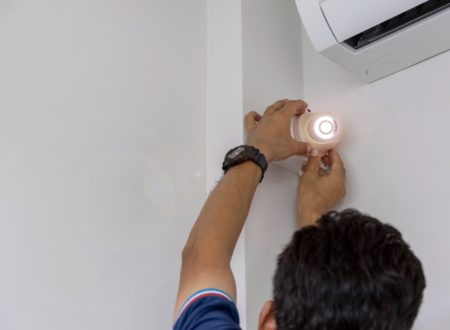
Installing a security camera system for a retail business involves several steps to ensure effective coverage and functionality. Here is a general guide to help you through the process:
1. Assessment:
- Identify critical areas: Determine where you need surveillance coverage, such as entry points, cash registers, storage areas, and parking lots.
- Consider lighting conditions: Ensure cameras are suitable for both well-lit and low-light areas.
2. Camera Placement
- Install cameras at eye level: This provides a clear view of faces and makes identification easier.
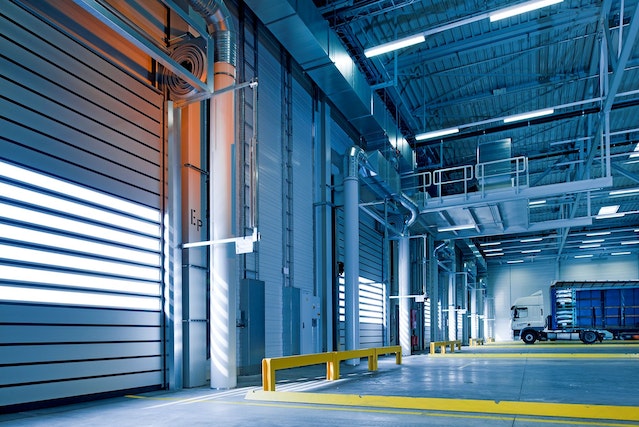
- Cover entry and exit points: Place cameras at entrances, exits, and loading docks.
- Monitor high-theft areas: Focus on areas with high-value items or where theft is more likely.
- Consider blind spots: Identify areas that are not easily visible and install additional cameras if necessary.

3. Camera Installation
- Install cameras at eye level: This provides a clear view of faces and makes identification easier.
- Cover entry and exit points: Place cameras at entrances, exits, and loading docks.
- Monitor high-theft areas: Focus on areas with high-value items or where theft is more likely.
- Consider blind spots: Identify areas that are not easily visible and install additional cameras if necessary.

4. DVR/NVR Installation
- Choose a secure location: Place the Digital Video Recorder (DVR) or Network Video Recorder (NVR) in a secure area to prevent unauthorized access.
- Connect cameras: Follow the manufacturer’s instructions for connecting cameras to the recording device.

5. Power Supply
- Ensure a stable power source: Use surge protectors and uninterruptible power supplies (UPS) to prevent power outages from affecting the system.
6. Network Connection
- Connect to the internet: If you want remote access, ensure the DVR/NVR is connected to the internet and follow security best practices, such as strong passwords.
7. Testing
- Test each camera: Ensure all cameras provide clear images and cover the intended areas.
- Check motion detection: Test motion detection settings and ensure alerts are functioning properly.

8. Training
- Train staff: Familiarize employees with the system, including how to access footage and use any relevant features.
9. Maintenance
- Regular checks: Periodically review camera footage and check for any issues.
- Firmware updates: Keep cameras and recording devices updated with the latest firmware for security and performance improvements.

10. Compliance
- Ensure compliance: Be aware of and comply with local laws and regulations regarding video surveillance.
11. Monitoring
- Consider 24/7 monitoring: Depending on your needs, you may want to invest in a monitoring service that can respond to alerts in real-time.
12. Signage
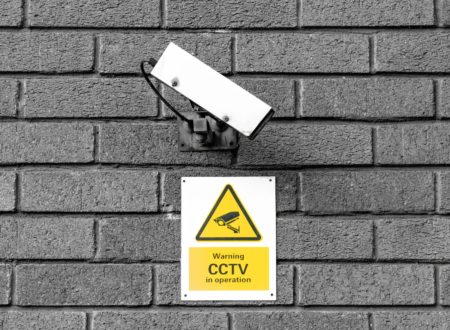
- Install visible signage: Clearly display signs indicating that the premises are under surveillance. This can act as a deterrent to potential criminals.
13. Documentation
- Keep records: Document the location of each camera, installation dates, and any troubleshooting or maintenance activities.
14. Consult Professionals
- If in doubt, consult professionals: If you are unsure about any aspect of the installation, consider seeking help from a professional security system installer.
Choosing the best retail CCTV security camera system
Choosing the best retail CCTV security camera system depends on various factors, including your specific needs, budget, and the features that matter most to you. Here are some considerations and recommendations:
Resolution: Higher resolution cameras provide clearer images. Consider at least 1080p (Full HD) or higher.
Camera Type:
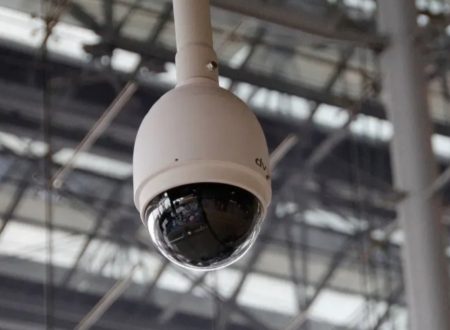
- Dome Cameras: Discreet and suitable for indoor use.
- Bullet Cameras: Visible deterrent, often used outdoors.
- PTZ Cameras (Pan-Tilt-Zoom): Allow remote control to track and zoom in on suspicious activity.
Field of View: Ensure cameras cover critical areas. Wide-angle lenses are useful for broad coverage.
Low Light Performance: Look for cameras with good low-light capabilities, especially if your store operates during the night.
Motion Detection and Alerts: Cameras with motion sensors can trigger alerts, allowing you to respond promptly to potential threats.
Remote Viewing: Choose a system that allows you to monitor your cameras remotely via a smartphone or computer.
Storage: Consider the amount of storage needed for video footage. Some systems offer cloud storage, while others use local storage (DVR or NVR).
Scalability: Choose a system that can easily expand as your business grows.
Ease of Use: The system should have an intuitive interface for easy setup and management.
Integration: If you have other security systems in place, such as alarms or access control, consider a CCTV system that can integrate with them.
Popular brands for quality retail CCTV systems
Popular brands known for quality retail CCTV systems include:
- Hikvision
- Dahua
- Axis Communications
- Bosch
- Hanwha Vision (Samsung Techwin)
- Lorex
- Arlo
Before making a decision, it’s advisable to consult with a security professional or a reputable vendor. They can assess your specific needs and help you choose a system that meets your requirements. Additionally, check local laws and regulations regarding surveillance to ensure compliance.
Best retail system installation team for DFW
You can contact A1 Security Cameras for the best retail camera system installation for the Dallas Fort-Wort area. Fill out the form and our team will contact you or you can use installation@a1securitycameras.com and (972) 895-3466
.
Related Articles
- Best Small Business Security Cameras
- Commercial vs. Business Security Cameras: Pros, Cons
- Business Security 101: Security Tips for Small Businesses
- Best Places to Install Security Cameras for Businesses
- 3 Benefits of Business Security Systems
- Why You Should Upgrade Your Commercial Security System
- “Discrete” Cameras Help Protect Businesses
- 5 Best Security Cameras for Small Businesses