By
By 
1. Type in IP camera’s IP address on your internet browser (e.g. http://192.168.110.3)

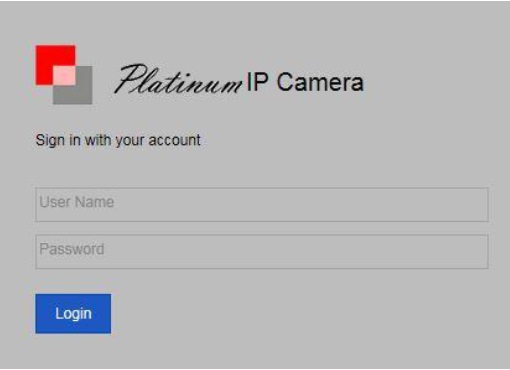
2. The login page of the IP Camera will show up after.
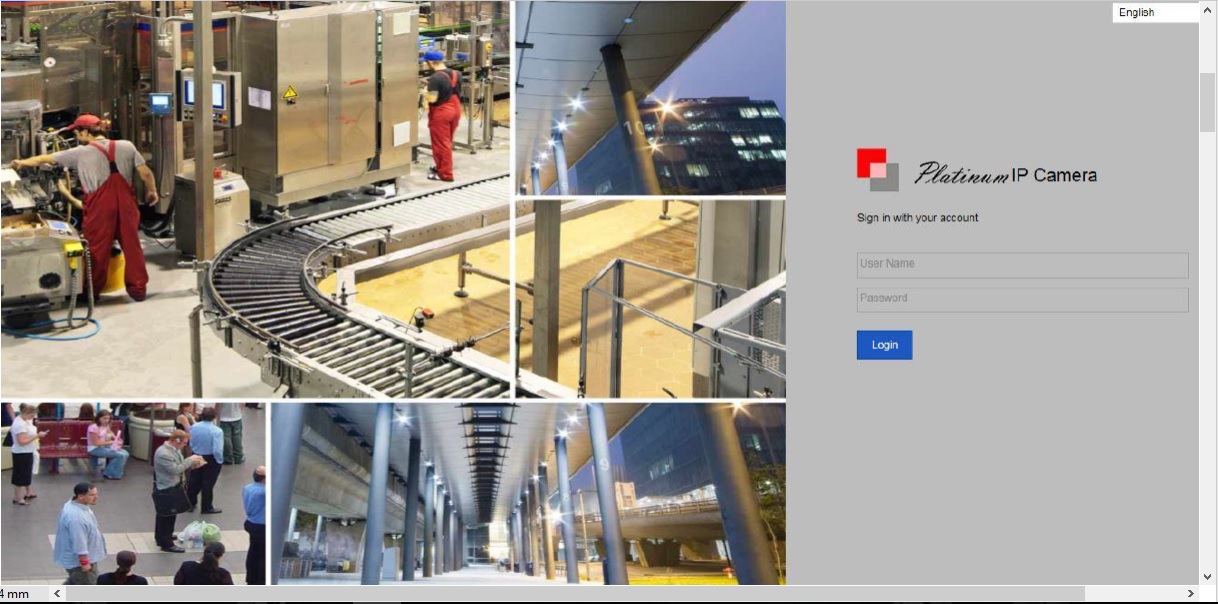
3. Login to the IP Camera (default username: admin; default password: 12345)
4. Choose Configuration on the top.
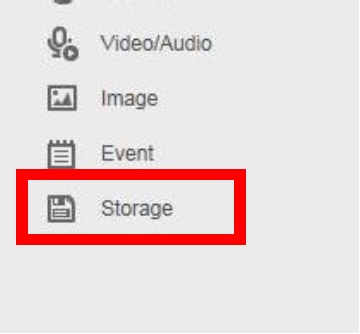
5. Then choose Storage on the left
6. Select Storage Management
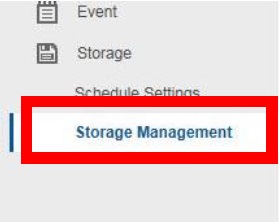
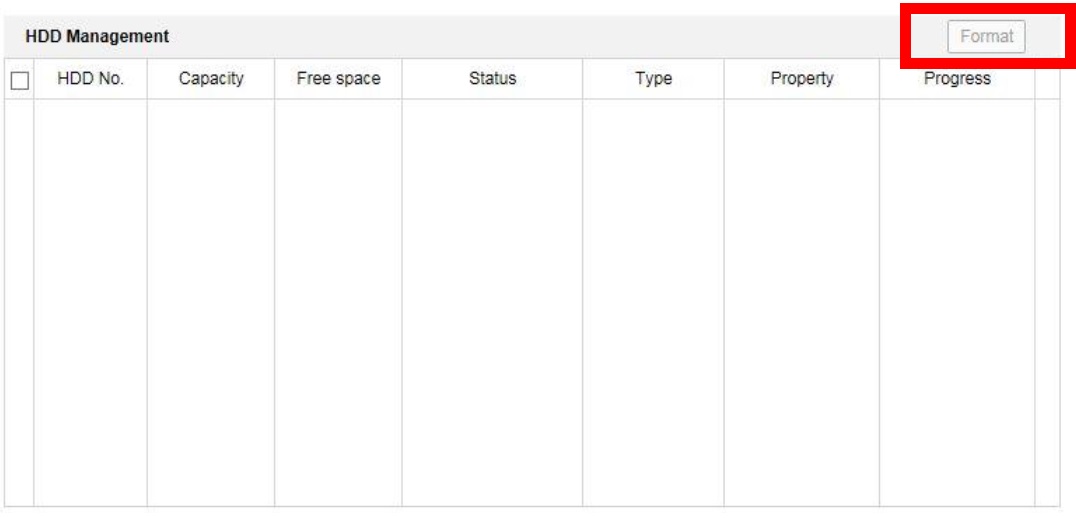
7. You will see your SD card on this page, select your SD card and click format
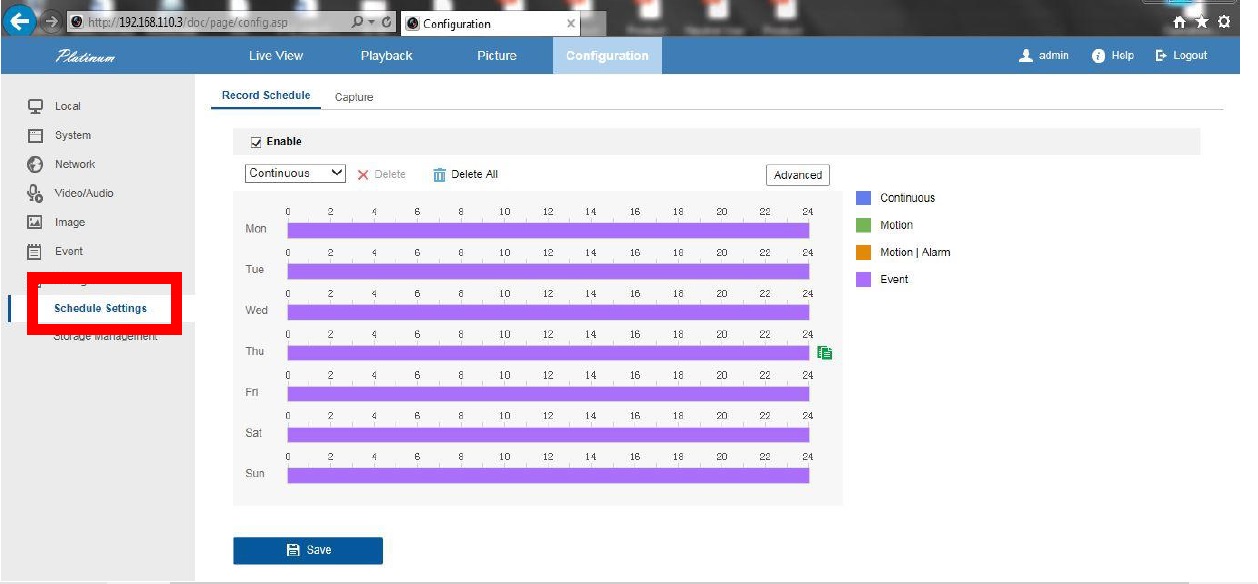
8. Select Schedule Settings to set up motion recording or continuous recording. By default is on event.
Want to Read Other Storage Problems?